10 Best Tools for Making Coloring Books in 2026
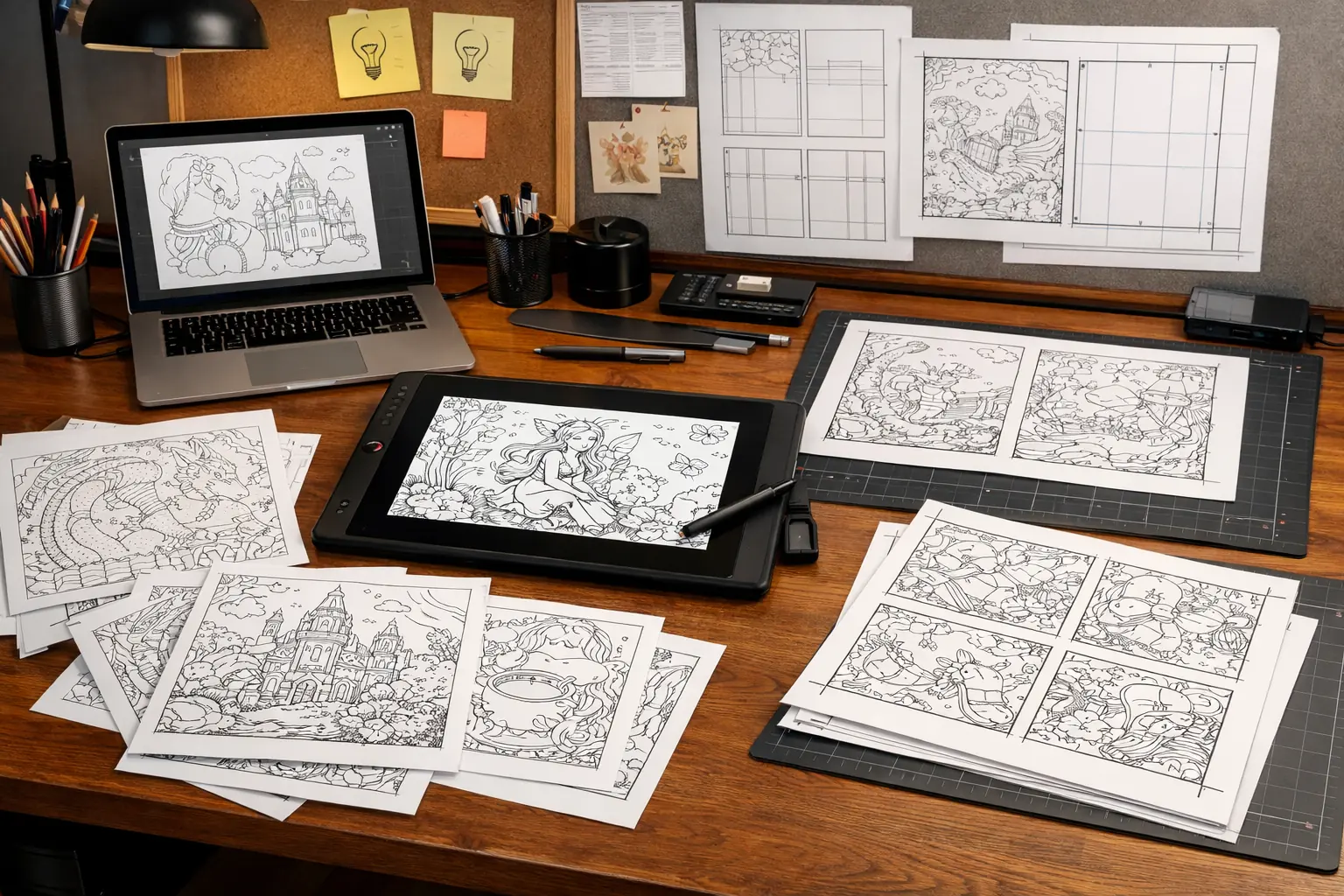
If you are searching for the best tools for making coloring books in 2026, you probably do not want another vague list of random AI apps.
You want to know which tools actually matter in a real production workflow, and which ones help with the parts that usually slow creators down:
- idea generation
- line art cleanup
- batch page creation
- layout and trim setup
- print-ready export for KDP or similar platforms
That is the real decision. Most creators do not need one magic app. They need the right stack.
This article is built around that practical intent. Instead of treating “coloring book tools” as one blurry category, it breaks the workflow into the stages that actually matter when you are trying to ship a usable book.
Before choosing tools, check coloring book market trends 2026 so the workflow supports the kind of KDP niche and production standard the market is rewarding now.
Why most “best tools” lists are weak
A lot of tool roundups fail for two reasons.
First, they compare tools that do completely different jobs as if they were direct substitutes.
Second, they talk about features without explaining where those features fit in the actual publishing workflow.
That creates the wrong impression. A creator may think they only need an AI image generator, when the real bottleneck is often one of these:
- turning rough generation into cleaner printable line art
- organizing a consistent page set
- laying out interiors with the right trim and bleed settings
- exporting files cleanly enough for KDP submission
So the better question is not just “what is the best tool?” It is:
What is the best tool for each part of the coloring book workflow?
The 4 jobs every coloring book tool stack should cover
Before comparing specific tools, it helps to define the jobs clearly.
1. Idea and page generation
This is where you turn a niche, prompt, or concept into draft page directions.
2. Line art cleanup and consistency
This is where rough outputs become more printable and visually coherent.
3. Layout and book assembly
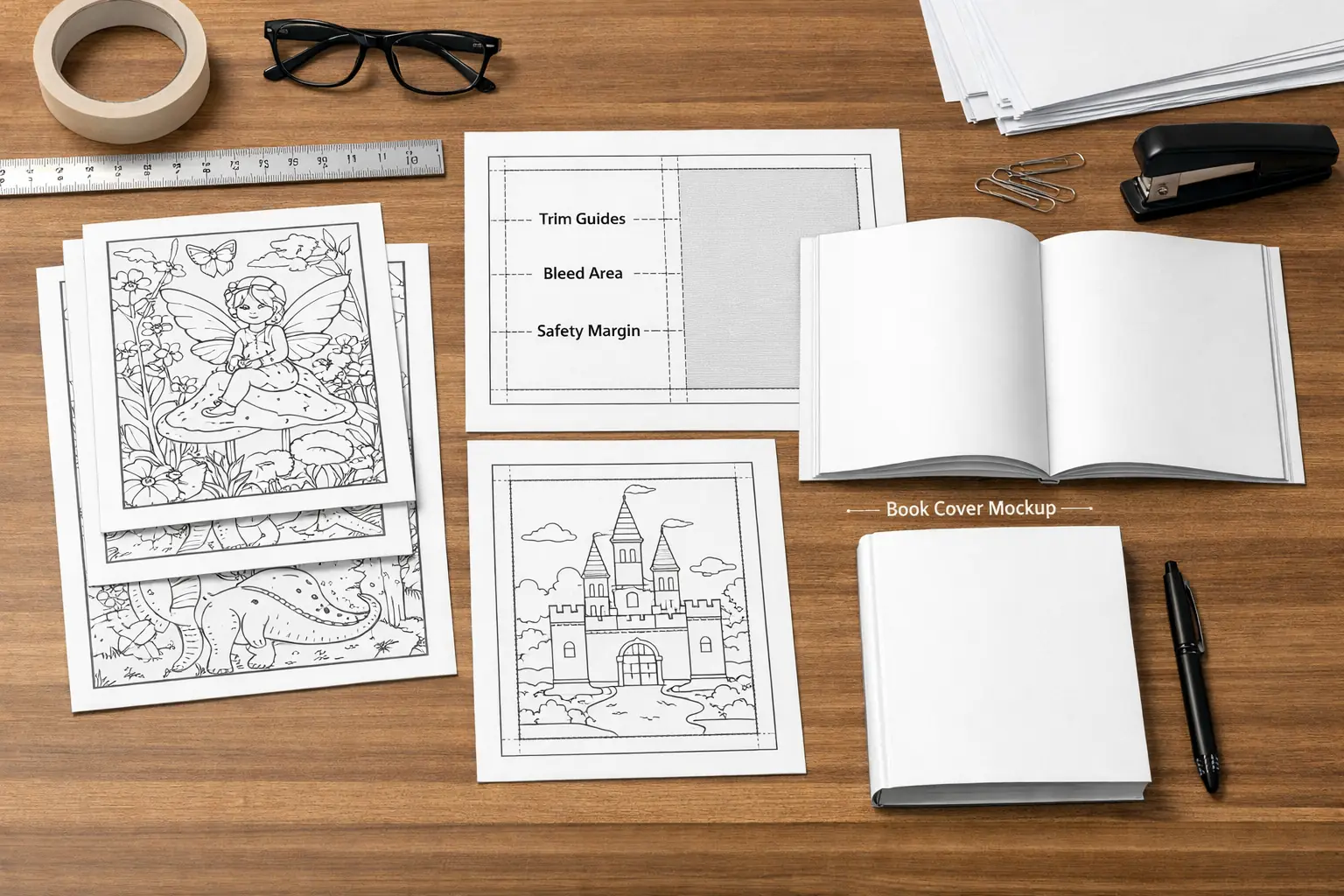
This includes page order, trim size, bleed, margins, blank backs, and export-ready structure.
4. Final export and publishing prep
This is where the files become usable for KDP or other print workflows.
If a tool only helps with one of these jobs, that is not a problem. The problem is assuming it covers all four when it does not.
What the best tool stack usually looks like in practice
The strongest workflow in 2026 is usually not “one app does everything.” It is a smaller stack where each tool has a clear role.
For many creators, that stack looks something like this:
- one tool for idea generation or image generation
- one tool for line cleanup or refinement
- one tool for page layout and export
- one lightweight system for organizing assets and versions
That may sound less exciting than an all-in-one promise, but it is usually more realistic.
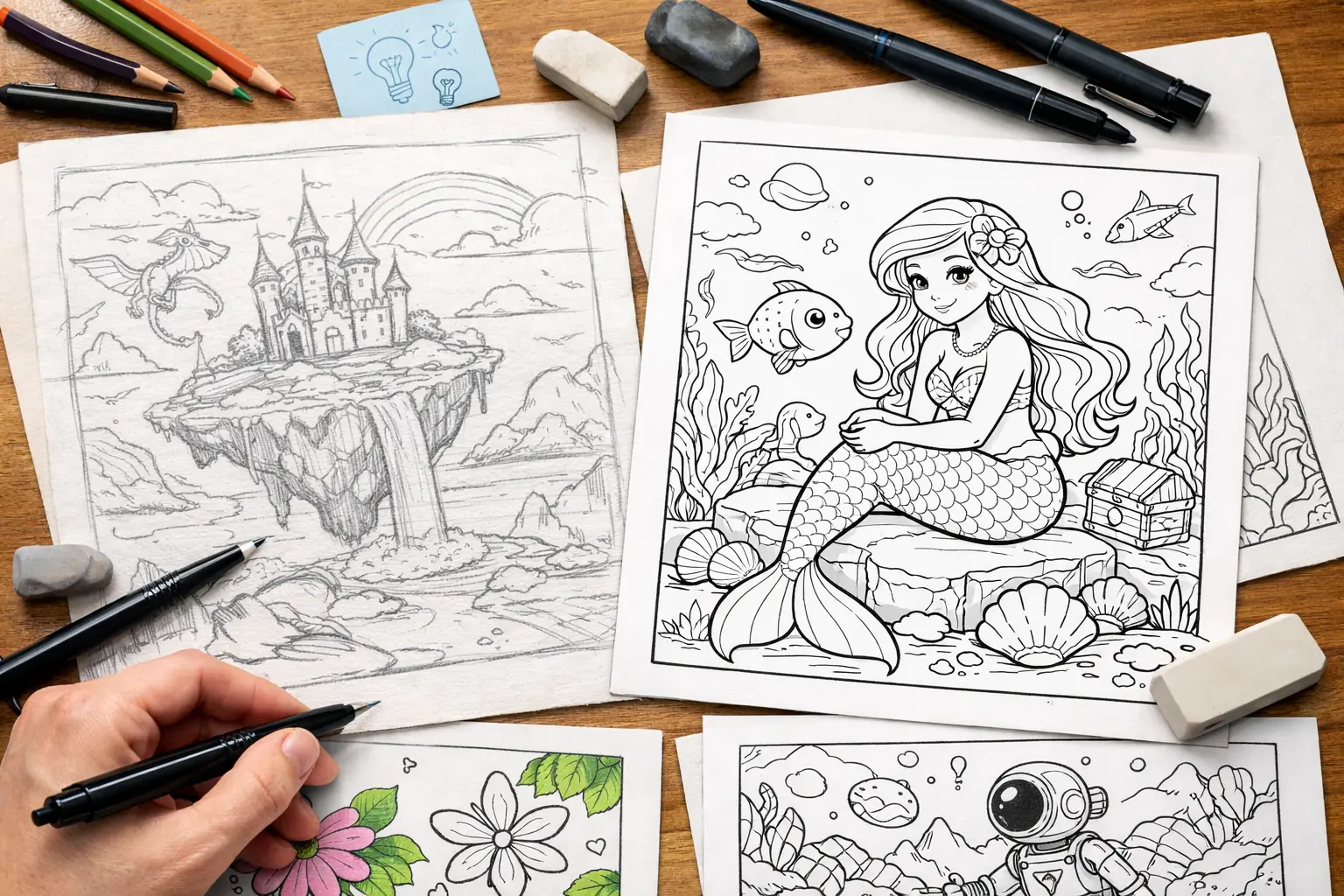
10 useful tools for making coloring books in 2026
These are grouped by the job they help with, not just by brand hype.
1. Coloring Book Engine
Best for: creators who want a faster workflow from concept to usable page drafts.
Coloring Book Engine makes the most sense when the goal is not just generating one pretty page, but building a repeatable production process around coloring books.
Where it helps most:
- turning concepts into draft page directions faster
- building multiple variations around one niche or style
- reducing repetitive setup work in early production
- supporting a workflow that can move toward printable interiors
Where to stay realistic:
- it does not replace category strategy or market validation
- it does not remove the need for cleanup, layout, or publishing judgment
- final quality still depends on workflow choices
This is a good fit for creators who want a tool designed around coloring-book production rather than a generic image playground.
2. General AI image generators
Best for: early concept testing, style exploration, and fast draft generation.
These tools are useful when you want to test themes, compositions, or interior directions quickly. They are less useful when treated as a finished publishing system.
Use them for:
- fast concept generation
- niche exploration
- style comparison
- rough page ideation
Do not expect them to solve:
- final interior consistency by themselves
- KDP layout structure
- print-ready preparation without additional work
3. Line cleanup tools
Best for: improving rough AI outputs into more printable coloring pages.
This category matters more than many creators expect. Rough generation is often easy. Clean, consistent, printable line art is where a lot of workflows break down.
Useful cleanup tasks include:
- simplifying noisy lines
- correcting broken outlines
- removing gray artifacts
- increasing contrast for print
- making pages feel more consistent across a book
If your outputs still look fuzzy, over-detailed, or uneven, cleanup matters more than generating more pages.
4. Canva
Best for: quick visual assembly, covers, simple page arrangement, and lightweight publishing assets.
Canva is not a complete interior-production system, but it is convenient for:
- simple layout tasks
- marketing images
- covers and mockups
- lightweight PDF assembly
Its limits show up when projects become more technical or print-specific.
5. Adobe Illustrator
Best for: deeper line refinement, vector cleanup, and more controlled interior work.
Illustrator is powerful when you need more precise editing control, but it also adds complexity. It is usually better for creators who already know why they need vector-level control.
6. Affinity Designer or Affinity Publisher
Best for: lower-cost professional layout and page assembly.
These tools make sense for creators who want more serious control than Canva but do not want an Adobe subscription.
They are especially useful for:
- multi-page interior layout
- reusable publishing templates
- export control
- book assembly workflows
7. PowerPoint or Keynote-style layout tools
Best for: simple assembly if the project is still lightweight.
These are not ideal long-term publishing tools, but some creators use them early because they are fast and familiar. They work better for prototypes than for polished print pipelines.
8. File organization and asset management tools
Best for: keeping prompts, exports, revisions, and final versions under control.
This category is easy to ignore, but poor organization causes a lot of production waste. Once you are making multiple books or testing multiple niches, file discipline matters.
Useful systems include:
- structured folder trees
- naming conventions
- version tracking
- separate folders for draft, cleanup, layout, and final export
9. PDF export and print-check tools
Best for: catching issues before upload.
A creator can waste a lot of time fixing things late if they do not check:
- trim size
- bleed settings
- safe margins
- page dimensions
- grayscale or black-and-white clarity
These tools do not feel glamorous, but they protect the final step.
10. Template and checklist systems
Best for: making the workflow repeatable.
Not every useful tool is software. Reusable templates, launch checklists, export checklists, and page review systems often save more time than a new app.
That is especially true when you are making more than one book.
How to choose the right tools for your situation
The best tool stack depends on what kind of creator you are.
If you are a beginner
Start with the smallest stack that covers generation, cleanup, and layout without overwhelming you.
If you are testing niches fast
Prioritize concept generation and workflow speed first.
If you are aiming for KDP consistency
Prioritize line cleanup, trim-aware layout, and export control.
If you are scaling a catalog
Prioritize repeatability, organization, and template-driven assembly.
The biggest mistake: choosing tools by hype instead of bottleneck
A lot of creators pick tools by trend instead of workflow friction.
The better question is:
What is slowing you down right now?
Usually it is one of these:
- not enough viable concepts
- inconsistent line quality
- slow page assembly
- messy exports
- poor version control
Once you identify that bottleneck, the tool decision gets easier.
A more realistic buying framework
Before paying for another tool, ask:
- Which job in the workflow is currently weakest?
- Does this tool solve that job directly?
- Will it replace another tool or just add complexity?
- Does it help with one-off creation or repeatable publishing?
- Will the output actually move closer to a printable book?
That checklist is often more useful than a long feature list.
Where Coloring Book Engine fits in the stack
Coloring Book Engine is best understood as a workflow accelerator for coloring book creation, not as a claim that one app can perfectly replace every other part of the pipeline.
That distinction matters.
Its strongest role is in the earlier and middle stages of the workflow:
- concept generation
- page-direction iteration
- repeated niche exploration
- faster production of usable draft material
For many creators, that is where the biggest time savings happen. But final cleanup, layout discipline, and publishing prep still matter.
Recommended starter stacks
Lean beginner stack
- Coloring Book Engine or one general AI generator
- one cleanup/editing tool
- Canva or simple layout tool
- export checklist
More serious KDP stack
- Coloring Book Engine or a concept-generation tool
- dedicated cleanup workflow
- Affinity Publisher or Illustrator-based assembly
- export validation step
High-output catalog stack
- concept-generation system
- cleanup process
- repeatable layout templates
- strong naming and version system
- print-prep review checklist
Final takeaway
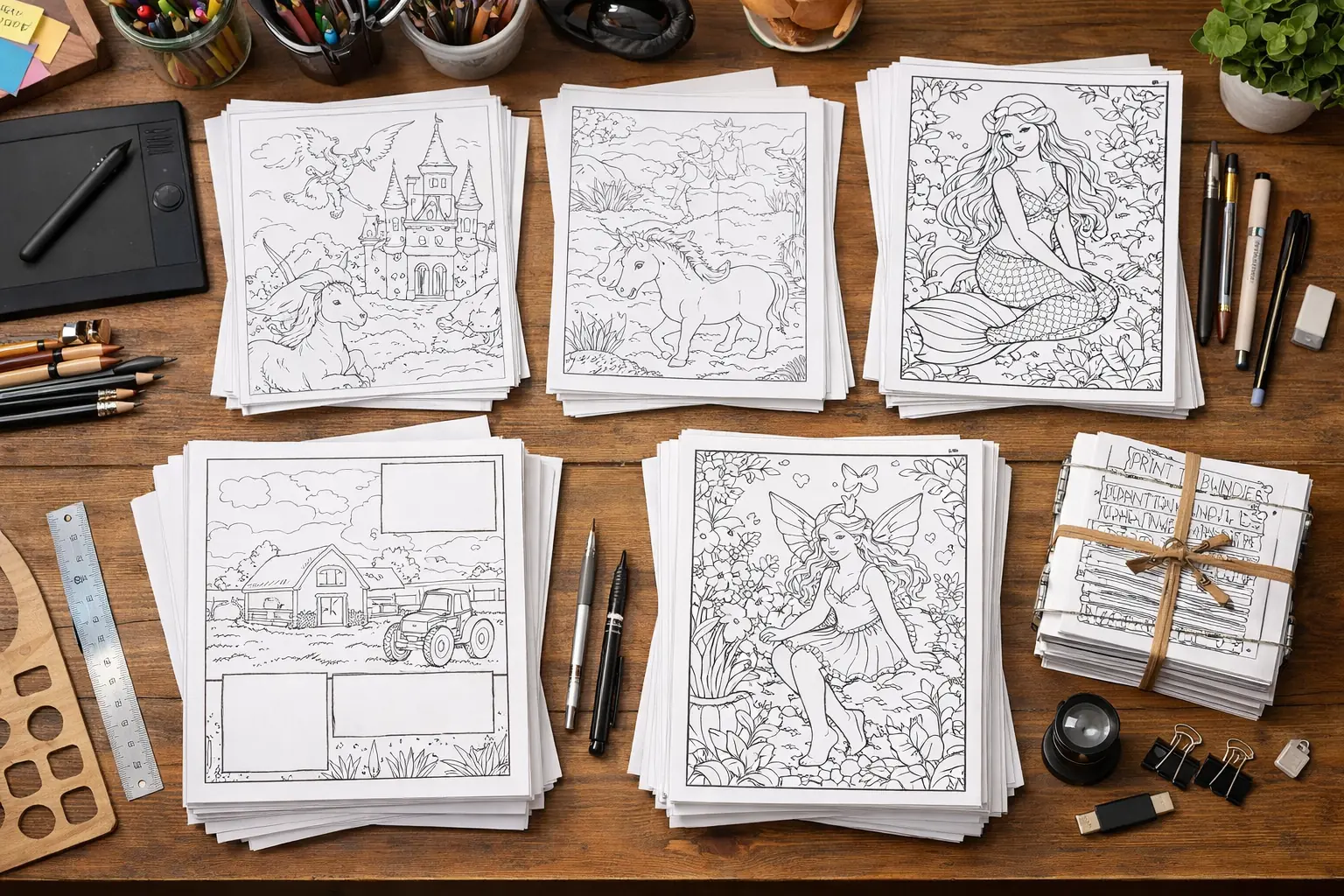
The best tools for making coloring books in 2026 are not the ones with the loudest marketing. They are the ones that solve the specific bottlenecks between concept, cleanup, layout, and export.
That is why the strongest setup is usually not a random list of apps. It is a workflow where each tool has a clear job.
If you treat tool choice as workflow design, not feature collecting, you are much more likely to finish better books faster.
Next step
If you are still deciding what to use, start by mapping your current bottleneck. If your biggest problem is concept generation, choose a tool that speeds up ideation. If it is print readiness, focus on cleanup and layout. If it is repeatability, build a smaller but more disciplined stack.
That is the practical path to choosing better tools, and to shipping more usable coloring books.
Related documentation
- Start with Introduction to Coloring Book Engine before comparing tool categories.
- Review the book workflow overview from planning through export.